The following is a paid product review for Thor, an AI project manager for Slack that assists with admin and project work so engineering teams can focus on the work that really matters.
Many of you are currently in engineering roles, and I probably don't have to tell you that there's a lot of work that goes into engineering that's uninteresting and time consuming. But it's necessary. We're talking admin work, project management tasks, taking notes for standups, keeping docs up to date, and similar grunt work.
That's where
Thor enters the picture. Thor is an AI-powered
add-on for Slack, currently in Beta, that proactively handles project admin and PM tasks so your team can focus on the more important engineering work.
Let's take a look at Thor's primary features, so you can get an idea how it can improve your team's productivity.
Your AI Meeting Assistant
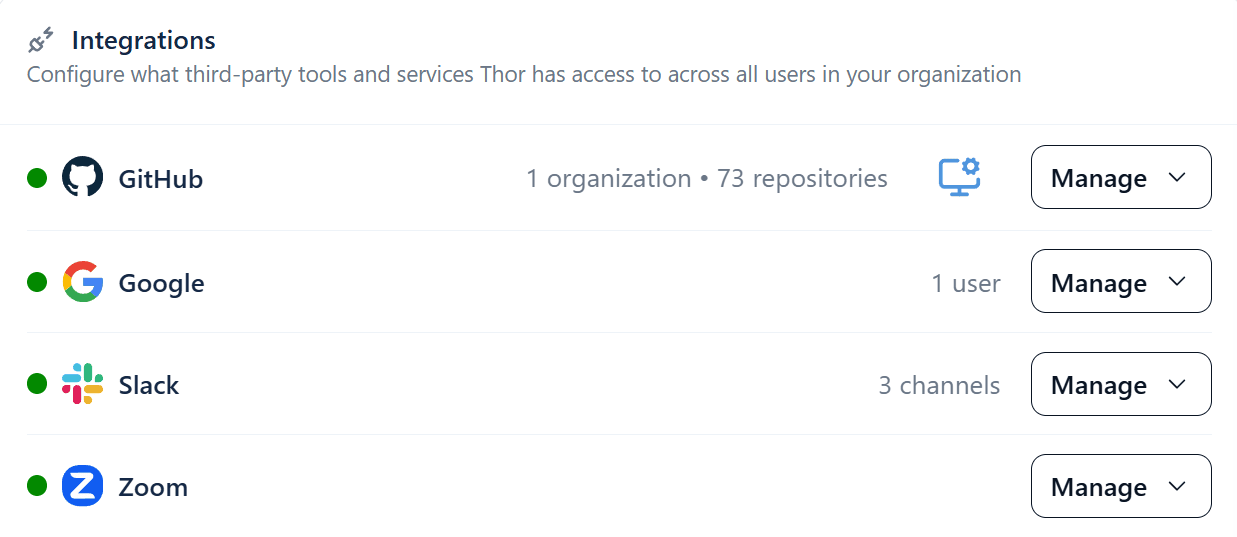
Thor integrates with Google Meet and Zoom. Once you've installed the plugin and created a Thor account, Thor will ask you to add your integrations. This will send you to the Thor web app where you configure your integrations and other settings.
Integrating Zoom, Google Meet, etc. with Thor
Both
Zoom and Google Meet integrations require transcriptions to be enabled and Zoom additionally needs cloud recording to be active. Once those are in place, Thor will be active in your meetings. Shortly after a meeting ends, Thor proactively sends each participant a personalized summary of the transcript that highlights action items, decisions, and any commitments made.
Thor produces action items based on Zoom and Google Meet transcripts
From there, you can follow up with Thor in natural language to create new tasks, add comments to existing tasks and issues, or set reminders for later.
Managing Tasks, Issues, Tickets, etc.
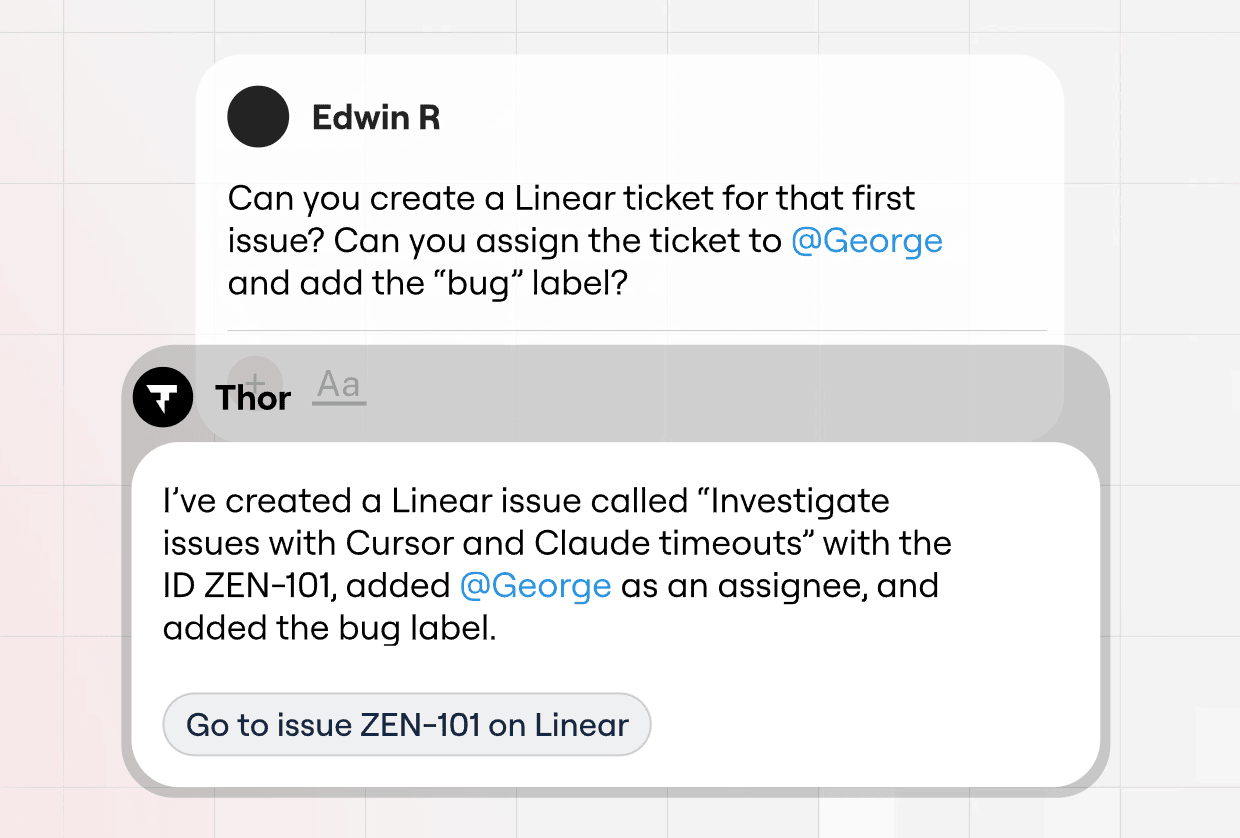
Thor also integrates with GitHub and Linear for
task and issue management. You provide a single command, and Thor will summarize, assign, categorize, and organize all your tasks and issues.
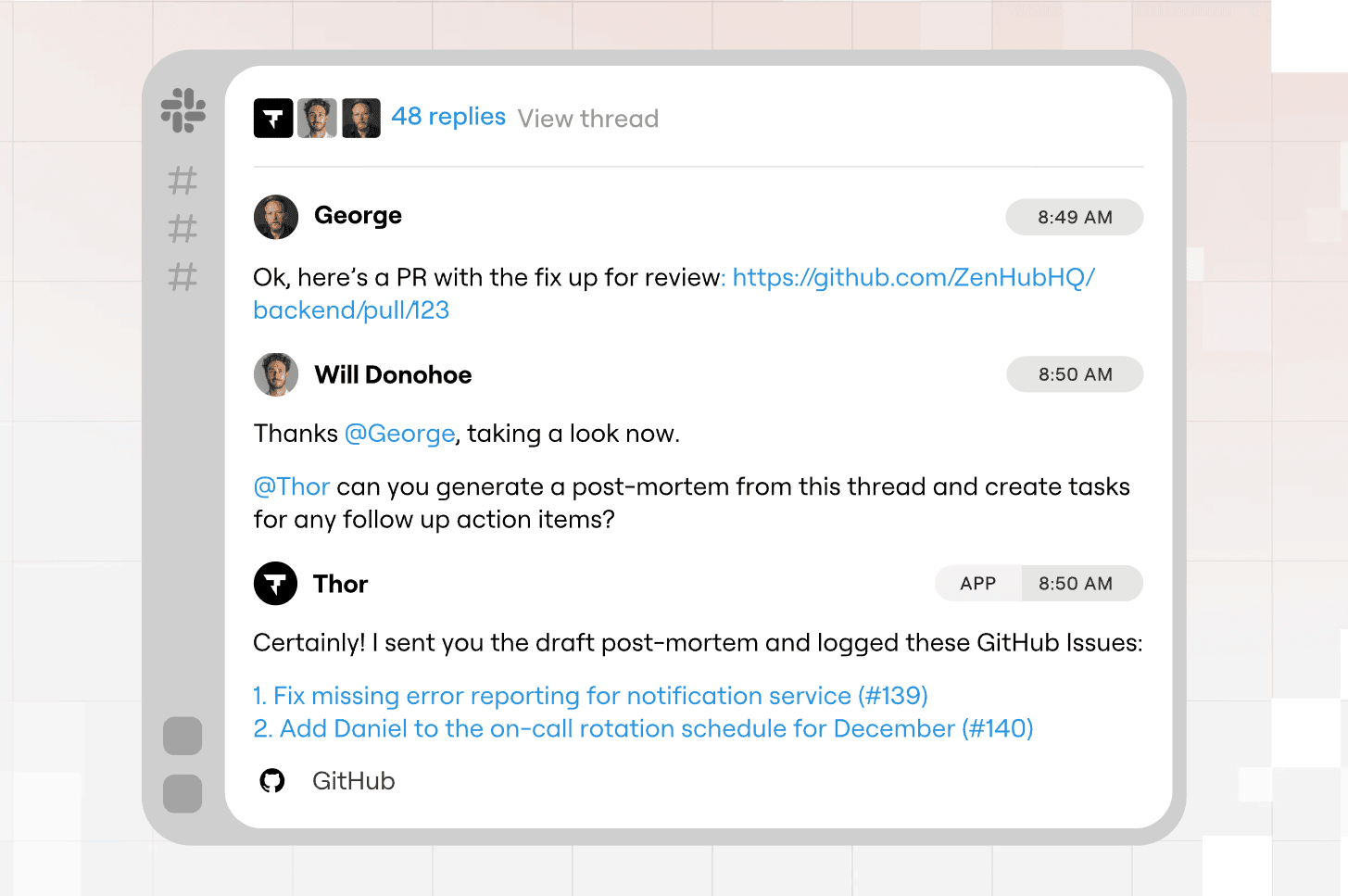
Thor can convert a Slack thread to one or more tasks. Just @mention Thor in the thread and it will create the issue based on your default configured repository.
Thor creates issues/tasks based on Slack threads
Other powerful task-related things you can do with Thor include:
- Ask Thor to find any existing tickets/issues related to a particular bug or feature
- Assign issues to specific team members and tag/label them for categorization
- Have Thor assess if a task can be delegated to a coding agent (Cursor, Claude, Tembo and Charlie are supported)
- Subscribe to tasks so you can monitor their progress; Thor automatically notifies you when specific tasks have been addressed, changed, etc.
Automated Standups
It's likely that
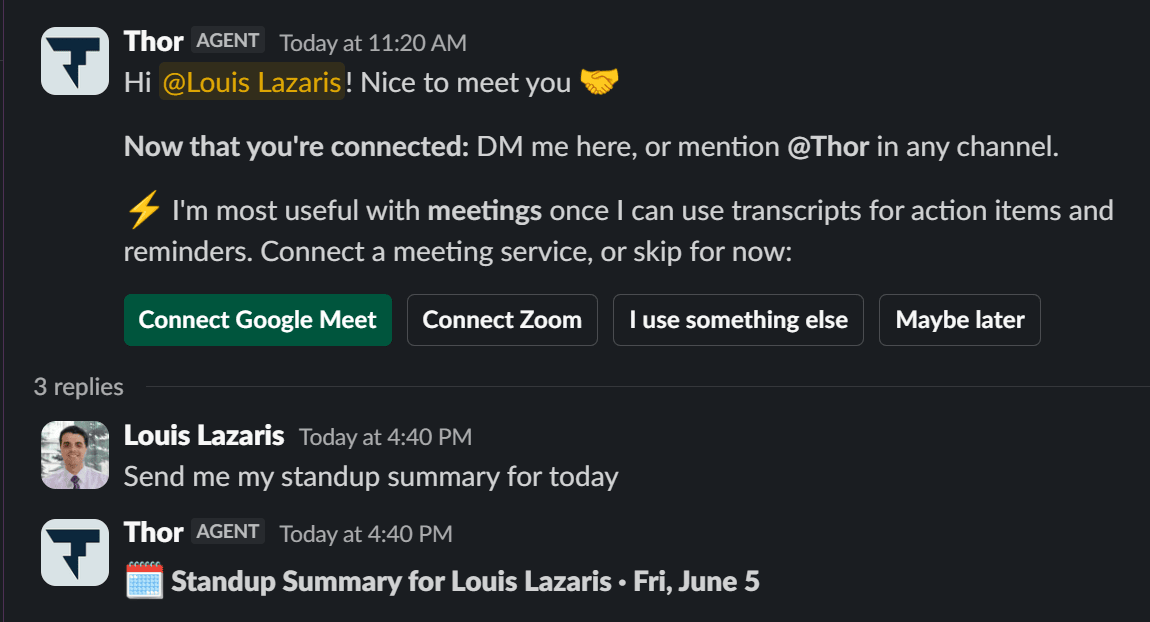
daily standups are a big part of how your team stays connected and how you ensure everyone is on the same page. Thor helps you by automatically sending you an itemized list for your morning standup, so you don't have to remember or dig up exactly what you worked on the previous day.
Thor sends you a summary for your next standup
Simply tag @Thor and ask for your standup notes for the day. Thor will use real activity from commits, tickets, and threads to send you a summary. A great feature that saves you potentially many hours per week that might otherwise be spent gathering task lists and in-progress issues for your next standup.
Keeping Docs and Specs Updated
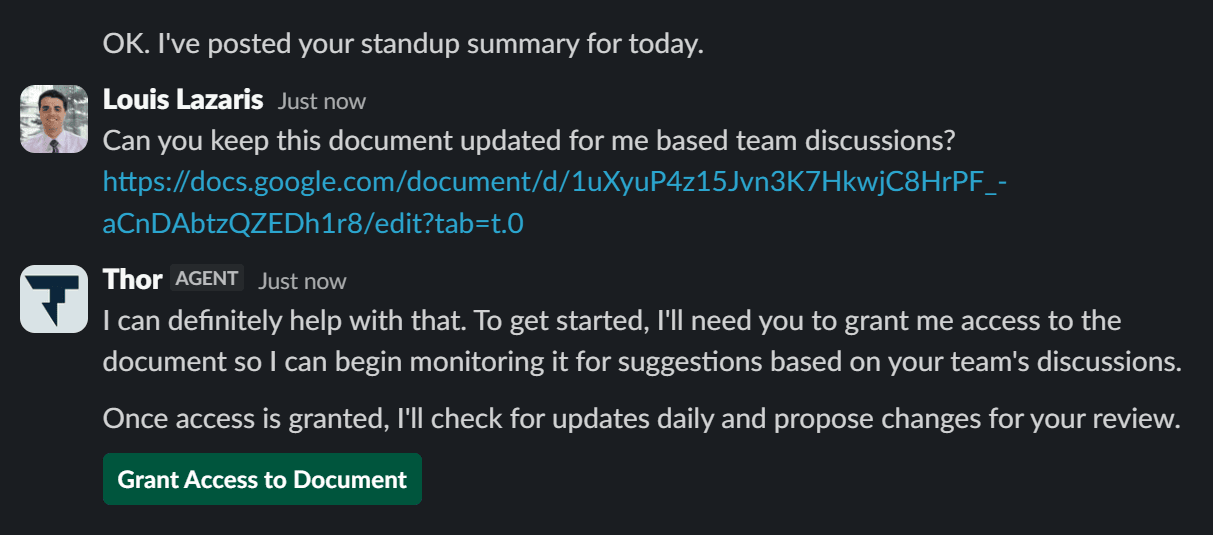
Often when your team completes a meeting or standup, Thor will pick up on specific things that can be done to improve existing documentation. For example, your team might have a
Google Doc that needs updating as a result of a team discussion.
Asking Thor to keep a Google Doc updated
At any time, you can ask Thor to list all documents being monitored, and of course you can tell Thor to stop monitoring a specific document if needed.
Try Thor Today
There's lots more to consider on what
Thor is capable of. The main thing to keep in mind is how valuable it can be for engineering teams who want to quickly take care of admin and PM duties so they can stay focused on the meat of their work.
The
Thor documentation has lots of info on use cases and all the features I've discussed here. So if your team is in need of an AI-powered tool to do the work you hate doing (admin, task management, issues, etc.),
try Thor today.
Now on to this week's hand-picked productivity links!