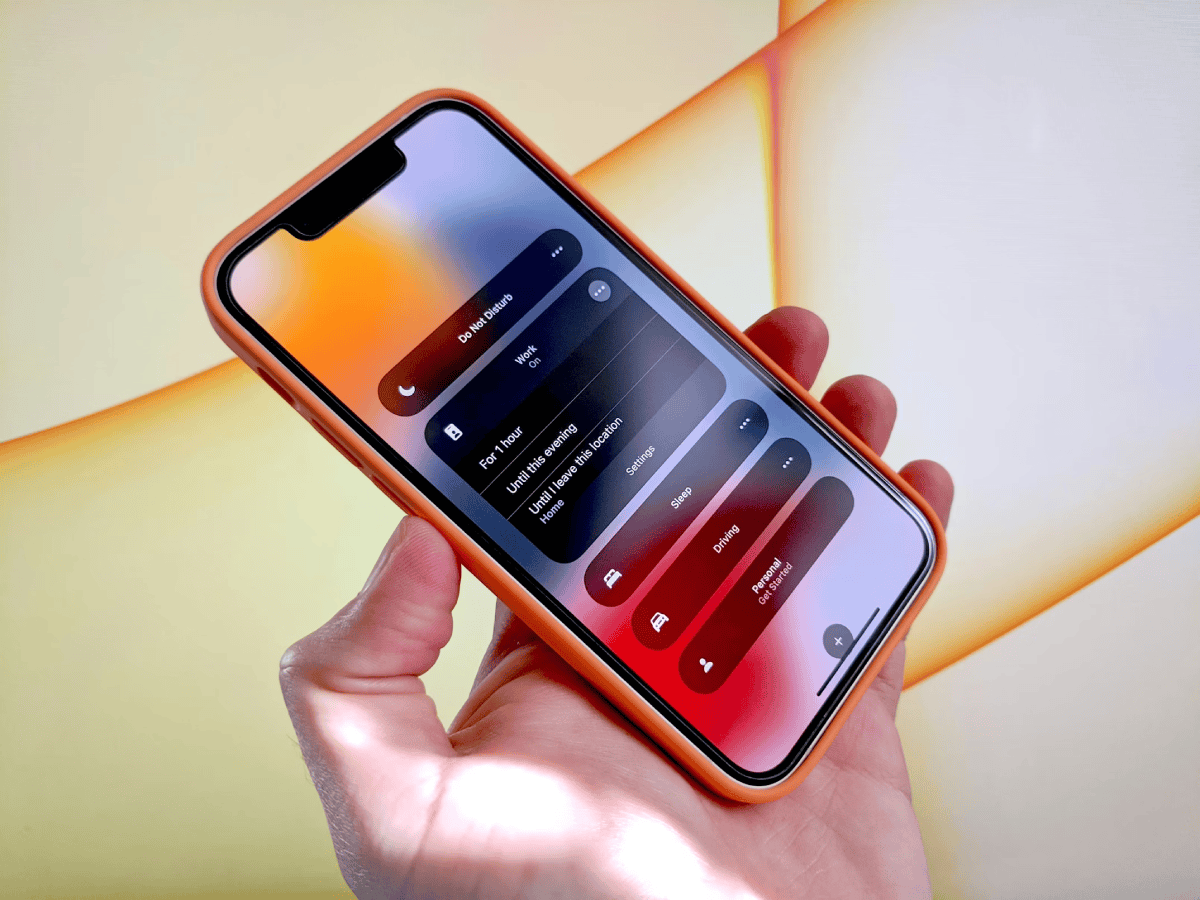
Nowadays, it seems that a dedicated work phone is rare. For example, you don't often meet someone with two cell phones, though it does happen occasionally. Generally, it seems most just do work and personal things on the same device and companies are often happy to pay for the full cost of the phone – even though they know you use it for personal things too.
If you use an iPhone, there are options for making your all-in-one phone seem more like a work-only phone. An article on Fast Company discusses this:
Miss having a dedicated work phone? Here’s how to configure your iPhone to separate business from personal use.
The article (which might have a soft paywall) is a tutorial on using the iPhone's "focus mode", which was introduced in 2021 with iOS 15. As explained towards the end of the article:
When you engage the Work Focus, you’ll see that your iPhone now behaves like a separate business phone: It’s got its own unique lock screen and home screen with only the widgets and apps you use for work. And you’ll only be alerted to notifications from the people and apps that you choose, which means you won’t get distracted by personal stuff.
A handy feature to try out if you haven't done so already. If you happen to be an Android user, there are similar settings available on those phones, including its own Focus Mode, Priority Modes, and so on, depending on the type of phone you have.
Now on to this week's hand-picked productivity links!